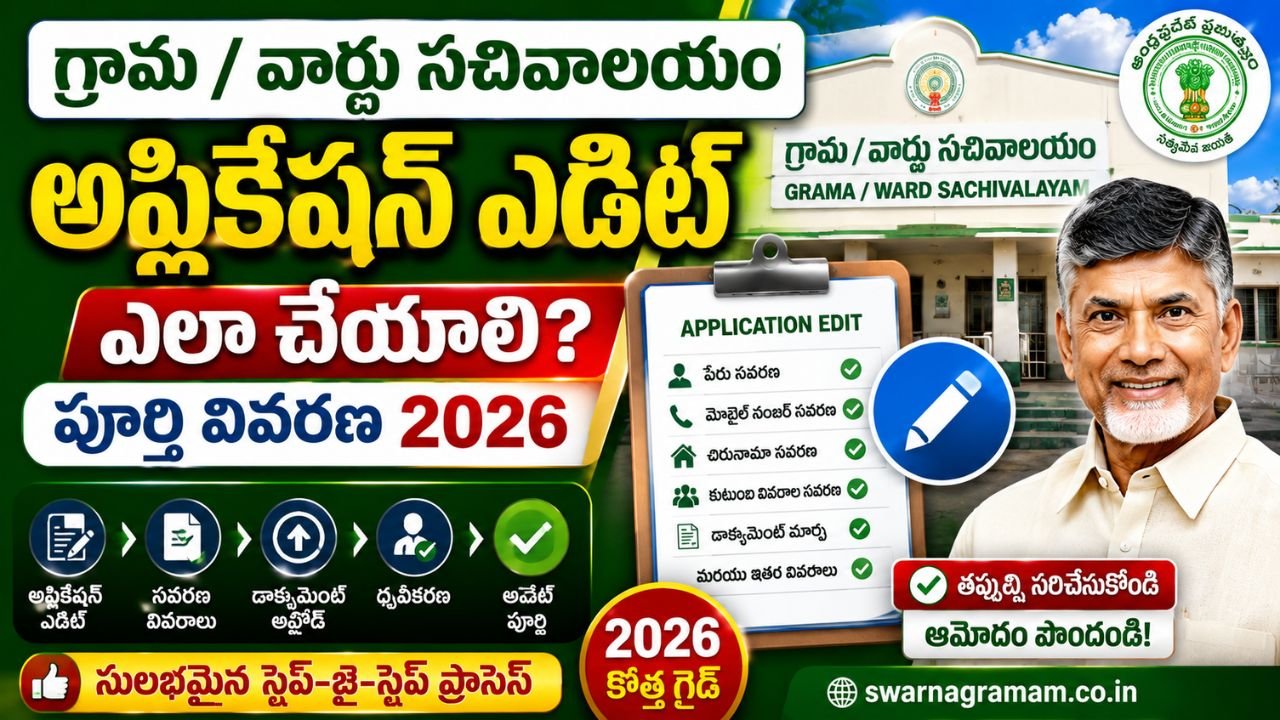
Village Secretariat Application Edit Andhra Pradesh 2026 Complete Guide
Submitting a government application through the Andhra Pradesh Grama/Ward Sachivalayam (GSWS) is an important step in accessing certificates, welfare schemes, revenue services, civil supplies services, municipal services, agriculture services, pensions, and many other citizen services. However, many applicants later realize that they entered incorrect information, uploaded the wrong document, selected the wrong service, or need to update certain details before final approval.
The Village Secretariat Application Edit Andhra Pradesh process allows eligible applicants to request modifications to a submitted application, subject to departmental rules and the stage of processing. Editing an application at the correct time can help avoid rejection, repeated visits, and delays in receiving government services.
This detailed guide explains what application editing means, which details can be edited, who can request edits, required documents, the complete step-by-step process, verification stages, timelines, common mistakes, FAQs, and official Andhra Pradesh Government links.
Home Page
What is Village Secretariat Application Edit?
Village Secretariat Application Edit refers to the official process of modifying information in an already submitted GSWS application before the application reaches a non-editable or finalized stage.
Applicants may request edits for:
- Name spelling mistakes
- Mobile number correction
- Address correction
- Document replacement
- Family details update
- Survey number correction
- Income detail correction
- Date of birth correction (with valid proof)
- Service-specific information
- Uploaded file replacement
- Email ID correction
The edit request is examined by the concerned department before acceptance.
Objectives of Application Editing
The main objectives are:
- Improve data accuracy
- Reduce application rejection
- Avoid duplicate applications
- Ensure correct beneficiary identification
- Maintain updated government records
- Enable smooth verification
- Improve citizen convenience
- Support paperless governance
- Reduce processing delays
- Increase transparency
Why Application Editing is Important
Even a small error can create significant problems during verification.
Common Examples
| Error | Possible Impact |
|---|---|
| Wrong mobile number | No SMS updates |
| Name mismatch | Identity verification issue |
| Wrong address | Certificate mismatch |
| Incorrect survey number | Revenue processing delay |
| Wrong document uploaded | Re-verification required |
| Incorrect family details | Welfare eligibility issue |
| Date of birth error | Application objection |
Editing the application early helps prevent these issues.
Difference Between Edit and Correction
Many applicants confuse these two terms.
| Edit | Correction |
|---|---|
| Modify submitted data | Rectify identified error |
| Usually before approval | May be before or after scrutiny |
| Includes document changes | Focuses on wrong information |
| Service-specific | Error-specific |
| Department approval required | Department approval required |
Who Can Request Application Edit?
Generally, the following persons may request edits:
- Original applicant
- Parent (for minor applicants)
- Legal guardian
- Authorized representative (where permitted)
- Citizen holding a valid acknowledgement receipt
Identity verification is normally required.
Which Details Can Be Edited?
The following details are commonly editable, depending on departmental rules.
Personal Details
- Name spelling
- Gender (with proof)
- Date of birth (with proof)
- Mobile number
- Email ID
Address Details
- House number
- Street/locality
- Village/Ward
- Mandal
- District
Family Details
- Family member information
- Relationship details
- Dependent details
Service Details
- Supporting information
- Category selection (if permitted)
- Service-specific fields
Document Details
- Replace uploaded file
- Add missing document
- Upload clearer copy
Details That May Not Be Editable
Some major changes may require a fresh application.
- Change of applicant
- Change of service type
- Change of beneficiary category
- Major land ownership change
- Completely different application purpose
- Post-final approval modifications
The concerned department decides whether editing is allowed.
When Can an Application Be Edited?
The possibility of editing depends on the application stage.
| Application Stage | Edit Possible? |
|---|---|
| Submitted | Usually Yes |
| Under Initial Scrutiny | Usually Yes |
| Under Verification | Limited |
| Department Processing | Depends |
| Approved | Usually No |
| Rejected | Fresh application or reapply as per rules |
Applicants should request edits as early as possible.
Complete Village Secretariat Application Edit Process
Step 1 – Identify the Required Edit
Check the acknowledgement receipt and compare it with your original documents.
Step 2 – Collect Supporting Documents
Carry proof for the change you are requesting.
Examples:
- Aadhaar
- Address proof
- Birth certificate
- Correct document copy
- Land record
- Income proof
Step 3 – Visit the Village/Ward Secretariat
Visit the same Secretariat where the application was submitted.
Step 4 – Provide Application Details
Share:
- Application number
- Service name
- Date of submission
- Incorrect detail
- Correct detail
Step 5 – Submit Edit Request
The concerned operator records the requested modification.
Step 6 – Verification
The department verifies:
- Identity
- Supporting documents
- Existing application
- Government records
Step 7 – Approval of Edit
If the request is valid, the edit is approved.
Step 8 – Application Continues
The application proceeds with the updated information.
Documents Required for Application Edit
Depending on the requested change, applicants may need:
- Aadhaar Card
- Application Receipt
- Application Number
- Mobile Number
- Passport Size Photograph
- Address Proof
- Birth Certificate
- Land Records
- Income Proof
- Educational Certificate
- Family Proof
- Corrected Supporting Document
Carry originals whenever possible.
Step-by-Step Document Edit Example
Wrong Document Uploaded
- Carry the acknowledgement receipt.
- Carry the correct document.
- Visit the Secretariat.
- Request document replacement.
- Submit the correct copy.
- Complete verification.
- Receive updated status.
Step-by-Step Mobile Number Edit
- Visit the Secretariat.
- Provide the application number.
- Show identity proof.
- Provide the new mobile number.
- Verify through OTP if applicable.
- Request update.
Step-by-Step Address Edit
- Carry address proof.
- Submit edit request.
- Provide the correct address.
- Complete verification.
- Track updated application status.
Application Edit Checklist
Before visiting the Secretariat:
- Application number available
- Acknowledgement receipt available
- Correct information written clearly
- Supporting proof available
- Photocopies prepared
- Mobile number active
- Original documents available
- Service details verified
Edit Request Processing Timeline
| Stage | Typical Progress |
|---|---|
| Edit Request Submission | Same Visit |
| Initial Scrutiny | As per workflow |
| Document Verification | Depends on service |
| Edit Approval | After verification |
| Application Resumes | After successful edit |
Actual timelines vary by department.
Benefits of Editing the Application
- Prevents rejection
- Saves time
- Reduces repeated visits
- Improves data accuracy
- Speeds up verification
- Ensures correct certificate generation
- Helps receive scheme benefits properly
- Maintains accurate government records
Common Mistakes to Avoid
- Waiting until final approval
- Submitting unclear proof
- Providing inconsistent information
- Requesting unnecessary changes
- Losing acknowledgement receipt
- Uploading another person’s document
- Using an inactive mobile number
- Ignoring verification calls
Best Tips for Applicants
Review Before Submission
Always check every field before final submission.
Keep Digital Copies
Save scanned copies of all documents.
Use the Same Mobile Number
Prefer the number linked to your application.
Track Status Regularly
Check the application status periodically.
Respond Quickly
Provide additional documents immediately if requested.
Frequently Asked Questions
Can I edit my GSWS application online?
Editing depends on the service and departmental workflow. Applicants should follow the officially prescribed procedure for the concerned service.
Is there a fee for editing an application?
The applicable fee, if any, depends on the specific service and department.
Can I change my Aadhaar number?
Such changes are subject to departmental rules and verification.
Can I edit after verification starts?
Limited edits may be allowed depending on the stage of processing.
Can I replace an uploaded document?
Yes, if the department permits document replacement and valid proof is submitted.
What if my application is already approved?
Post-approval edits generally require a separate correction or amendment process.
Will editing delay my application?
Verification of the new information may add some processing time.
Can someone else edit on my behalf?
An authorized representative may be allowed in certain cases, subject to identity verification and departmental rules.
Official Andhra Pradesh Government Links
Related Pages
- Village Secretariat Application Documents Andhra Pradesh
- Village Secretariat Application Correction Andhra Pradesh
- Village Secretariat Application Verification Andhra Pradesh
- Village Secretariat Application Tracking Andhra Pradesh
- Village Secretariat Application Approval Andhra Pradesh
- Village Secretariat Application Rejection Andhra Pradesh
- Village Secretariat Application Status Andhra Pradesh
- Village Secretariat Online Apply
Conclusion
The Village Secretariat Application Edit Andhra Pradesh process is an important facility that helps citizens correct and update submitted GSWS applications before final processing. By identifying errors early, carrying proper supporting documents, and following the prescribed procedure, applicants can reduce delays, avoid rejection, and ensure accurate delivery of government services. Always review your application carefully, preserve the acknowledgement receipt, and rely only on official Andhra Pradesh Government portals and Secretariat guidance for the latest service-specific rules and updates.